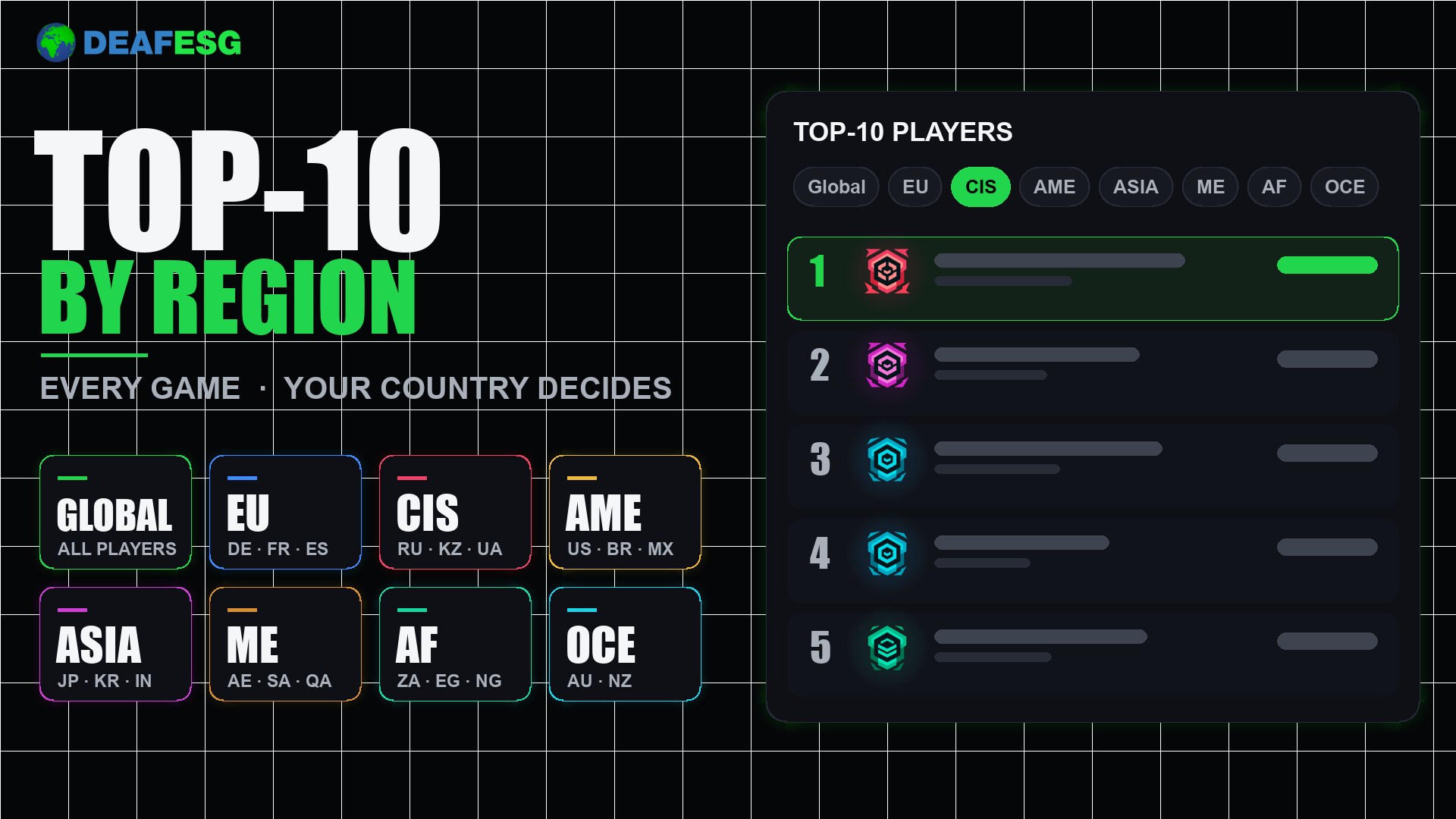
The “Top-10 players” block on every game page now has region buttons. You can see not only the best players of the whole site, but also the best in your part of the world — and it works in every game with a Top-10: CS2, Dota 2, Fortnite and the rest.
The regions
- Global — the whole world, all players. Opened by default;
- EU — Europe, including Turkey;
- CIS — Russia, Ukraine, Belarus, Kazakhstan, Georgia, Armenia, Azerbaijan and other countries of the former USSR (the Baltic states are in EU);
- AME — North and South America;
- ASIA — Asia;
- ME — the Middle East;
- AF — Africa;
- OCE — Australia and Oceania.
How the region is chosen
- A player’s region is the country in their profile. You set the country during verification (“Settings” → “Verification”).
- A player without a country is shown only in Global — they are not in the regional lists.
- In the team list the region is taken from the captain’s country.
- A regional list shows the best players of that region, and the places are counted again — from the first.
How to use it
Open the page of any game, for example Counter-Strike 2, and press the button of the region you need above the list. The page address remembers your choice: a link like ?region=cis can be sent to a friend. If nobody is in a region yet, the site says so — then take a look at Global.
Want to appear in the list of your region? Make sure your profile has a country. If you have not passed verification yet, do it in “Settings” — after that you will appear in the right region.